
 LMS
LMS
 Reels Series
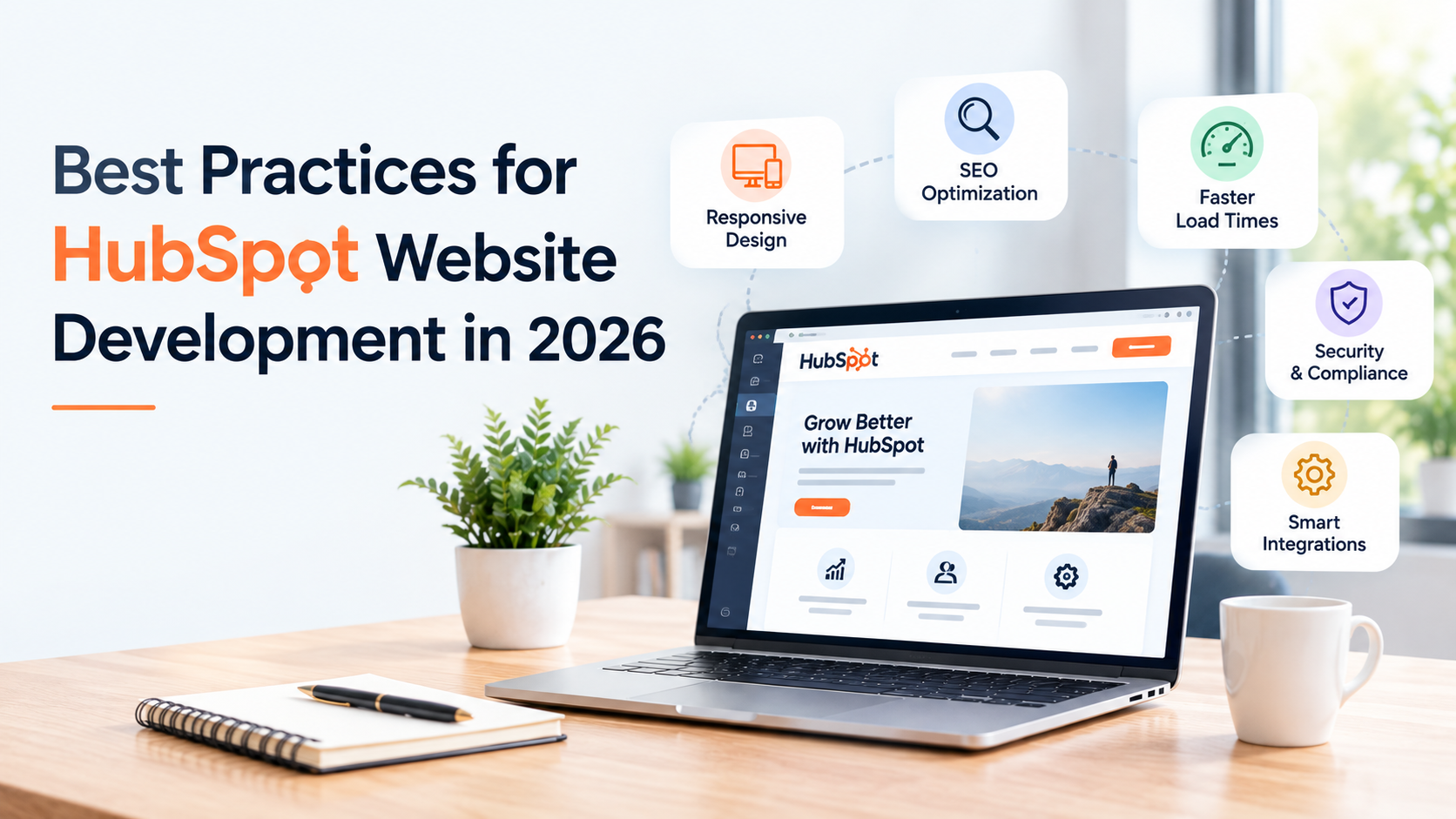
Best Practices for HubSpot Website Development in 2026
A HubSpot website can look great and still be difficult to work with.
This usually happens when the website is built around the design first and the people using it later. The marketing team may need a developer every time they want to change a section. A page may load slowly because too many elements were added. Or the website may look fine on a laptop but become frustrating to use on a phone.
HubSpot gives developers and marketers plenty of control over how a website is built. You can use ready-made themes, create custom modules, or build your own theme with HubSpot's developer tools.)
So, what should you actually focus on when building a HubSpot website in 2026?
Start With the Pages You Actually Need
Before choosing a theme or writing any code, work out what the website needs.
Make a list of the main pages. For a service business, that could be the homepage, service pages, industry pages, about page, contact page, case studies, and blog.
Then look at how these pages will connect.
Someone who lands on a blog post should not have to hunt around for the related service. Someone visiting a service page should know what to do next. It could be filling out a form, booking a call, or reading a case study.
This sounds basic, but it saves a lot of rework later. A hubspot consultant can also help when the website needs to support a more complicated marketing or sales process.
Do Not Build Every Section From Scratch
HubSpot themes are built around templates, modules, global content, and theme settings. That gives developers a way to create the framework while letting marketers make changes through the content editor.
Use that flexibility.
For example, if your website has testimonial sections on ten pages, you do not need ten completely different designs. Create a reusable module and give the content team enough options to change the customer name, quote, image, and layout.
The same approach works for pricing sections, FAQs, service cards, banners, forms, and calls to action.
It also makes the website easier to manage six months later when someone new joins the marketing team.
Keep Custom Development Under Control
Custom development has its place. It becomes a problem when every small requirement turns into custom code.
Ask whether HubSpot already provides a suitable feature before building something from scratch. The platform has common modules for text, images, forms, CTAs, videos, meeting links, and other content.
Custom modules make sense when the standard options cannot give you the layout or functionality you need. HubSpot's current documentation also recommends working with a developer when creating custom modules if you are not comfortable with HTML, HubL, and CSS.
The goal is simple. Give the marketing team enough freedom without giving them a website that can easily be broken.
Check Speed Before the Website Goes Live
Do not wait until launch day to check performance.
Large images, unnecessary scripts, embedded content, and poorly built sections can all affect how quickly a page loads. Check important pages while they are still being developed.
Pay particular attention to the homepage and pages that receive traffic from paid campaigns or search. These pages usually have a direct connection with leads, so a slow experience can become a business problem.
It is also worth checking the website on a real phone rather than relying only on a desktop preview. A page that looks perfect on a large monitor can have awkward spacing, oversized images, or difficult-to-use buttons on a smaller screen.
Make SEO Part of the Development Work
SEO should not be left until every page has been designed.
During development, make sure the site has sensible URLs, heading structures, internal links, image alt text, page titles, and meta descriptions.
Think about the content structure too. If you have separate pages for several services, each page should have a clear purpose instead of repeating almost the same copy.
HubSpot's current website tools allow marketers to create and edit pages through themes and templates, while developers can work locally using the HubSpot CMS CLI.
This separation between development and content editing is useful. Developers can work on the framework while marketers handle day-to-day page updates.
Connect the Website With Your CRM
A HubSpot website should have a clear connection with the rest of your sales process.
Take forms as an example. When somebody fills one out, where does that information go? Who receives it? Does the contact get added to a particular list? Does the sales team get notified? Does the person receive an email?
Decide these things before the website is launched.
The same applies to calls to action, meeting links, landing pages, and other conversion points.
If the website needs to work with a complicated CRM setup or another business system, hubspot consulting services can help plan the connection before development begins.
Build Something Your Team Can Change
One of the biggest mistakes is building a website that only the original developer understands.
Your marketing team should be able to create a new page, change an image, update a heading, add a CTA, or publish a blog without opening a development ticket for every small change.
That is one reason reusable modules and sensible theme settings matter.
HubSpot also continues to update its developer platform. As of 2026, platform versions follow a six-month release cycle, with each version supported for 18 months.
That means development teams should keep an eye on platform changes rather than treating the original build as something that never needs attention.
For businesses with more complex requirements, custom crm development can also be considered when the standard HubSpot setup does not fit the way the sales team works.
Test the Website With Real Users
Before launch, ask someone who was not involved in development to use the website.
-
Give them simple tasks:
-
Find a particular service.
-
Contact the company.
-
Read a case study.
-
Find pricing information.
-
Submit a form.
-
Then watch what happens.
If they have to ask where to click, the website probably needs another round of work.
Also test forms, links, navigation, mobile layouts, redirects, analytics, and important integrations before publishing the site.
Final Thoughts
A good HubSpot website does not need to be complicated.
Start with a clear page structure. Use reusable modules instead of rebuilding the same sections. Keep custom code under control. Check speed and mobile usability during development, not after launch. Most importantly, make sure the marketing team can manage the website without depending on a developer for every small change.
That gives you a HubSpot website that is easier to use now and much easier to maintain later.

 English
 Arabic
 French
 Portuguese
 Deutsch
 Turkish
 Dutch
Dutch
 Italiano
 Russian
 Romaian
 Portuguese (Brazil)
 Greek
Greek