
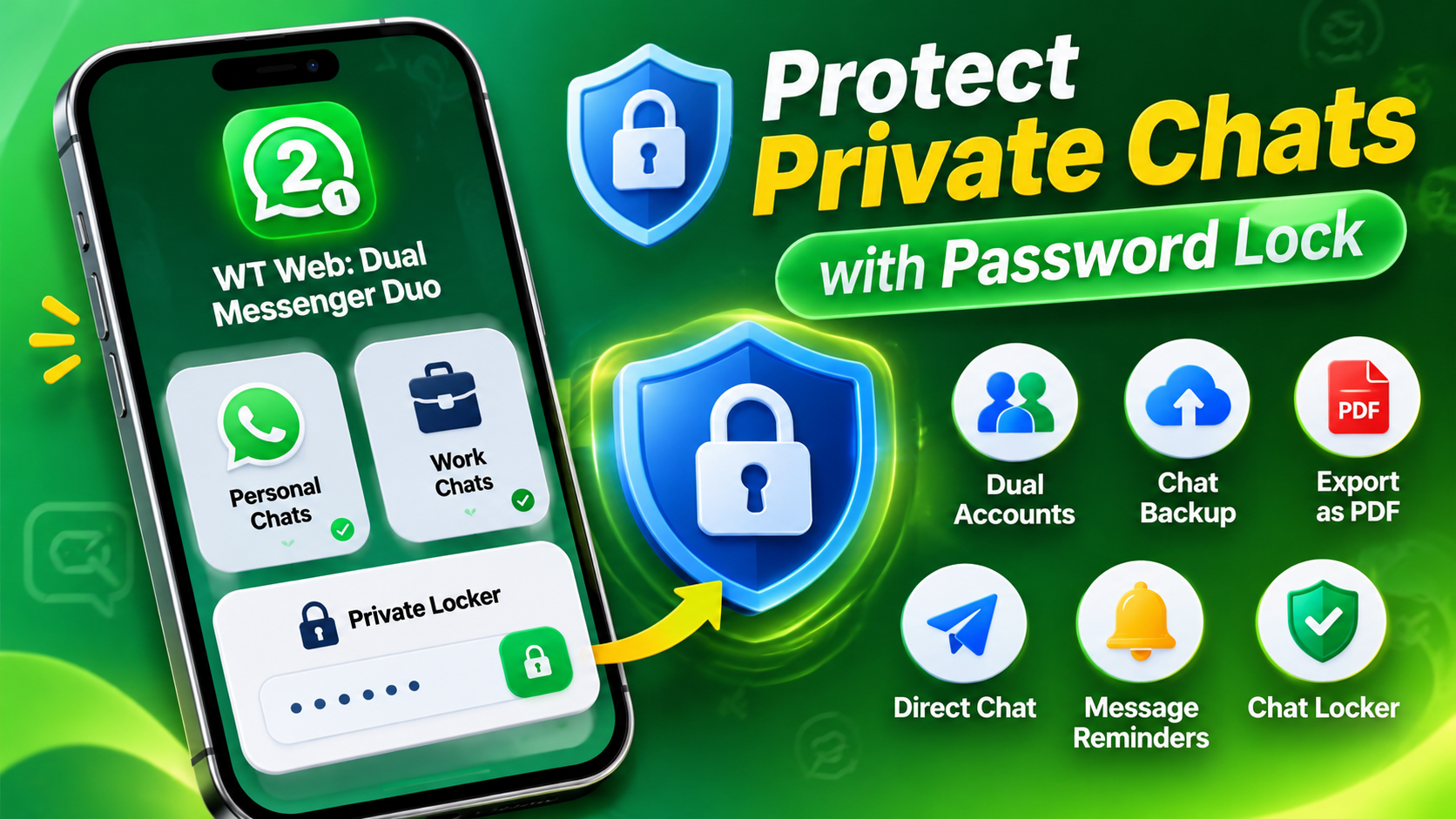

Your phone contains personal conversations, private photos, important messages, and sensitive information you may not want others to access. Whether you're managing work discussions or personal conversations, keeping your chat history secure is essential for maintaining digital privacy.
WT Web: Dual Messenger Duo is a free-to-download dual messenger and private chat locker app for iPhone that helps users protect private conversations, manage multiple chat accounts, organize messages, and secure personal media.
With its password-protected private locker, chat backup tools, and messaging utilities, the app offers a convenient way to manage everyday conversations while adding an extra layer of privacy.
Why Should You Password Protect Your Private Chats?
Even when your iPhone has a screen lock, an additional password can help prevent unauthorized access to selected conversations and personal media when someone else uses your unlocked device.
A private chat locker app provides a separate protected space where you can organize sensitive content.
Password protection is particularly useful for keeping personal messages, private photos, videos, and confidential information away from casual access.
How to Lock Private Chats with a Password on iPhone
WT Web: Dual Messenger Duo includes a Private Locker feature designed to protect selected chats and media.
Follow these steps to get started:
Step 1: Open WT Web: Dual Messenger Duo
Launch the app on your iPhone and find the Private Locker feature.
Step 2: Set Up Password Protection
Follow the on-screen instructions to create or configure your private locker password.
Choose a password that is difficult to guess and avoid sharing it with others.
Step 3: Organize Your Private Content
Use the locker to protect supported private chats, photos, and videos you want to keep separate from everyday content.
Step 4: Access Your Protected Content
Open the Private Locker and enter your password whenever you need to access your saved private content.
Remember that an app-level locker protects content stored within that locker. It does not automatically lock conversations inside other messaging applications.
Key Features of WT Web: Dual Messenger Duo
1. Password-Protected Private Chat Locker
The private chat locker helps users protect selected conversations and personal media using password-based access.
It provides an additional privacy layer for content stored within the app.
2. Dual Messenger and Multiple Chat Accounts
The dual messenger app supports managing multiple web chat sessions from one iPhone.
This makes it convenient to keep work-related conversations separate from personal messaging activities without constantly switching between different devices.
3. Chat Backup and Restore
The app includes chat backup and restore tools for managing saved conversations, photos, videos, and other supported media.
Users can organize existing backups, preview available content, and restore supported chat records when needed.
Previously lost conversations cannot be recovered unless a usable backup exists.
4. Export Chat Conversations as PDF
Need to preserve an important discussion?
The chat export to PDF feature helps users save supported conversations as PDF or text files for personal records, sharing, or backup purposes.
5. Direct Chat Without Saving Numbers
The direct chat feature allows users to start supported conversations without first saving a phone number to their contacts.
This can be convenient for temporary communication, business inquiries, and one-time conversations.
6. Chat Reminders and Message Scheduling
The app also offers message reminders to help users remember important conversations, follow-ups, and scheduled communication.
These tools can help organize personal and professional messaging tasks.
Extra Tips to Keep Your Private Chats Secure
Along with using a password-protected chat locker, consider these simple privacy practices:
-
Use a strong iPhone passcode: Prevent unauthorized access to your device.
-
Enable app-level security: Protect sensitive content with available password controls.
-
Manage chat backups carefully: Store copies securely and avoid sharing them unnecessarily.
-
Review connected web sessions: Disconnect sessions you no longer need.
-
Keep your apps updated: Install updates containing security fixes and improvements.
These practices help strengthen everyday messaging privacy.
Who Can Benefit from a Private Chat Locker App?
WT Web: Dual Messenger Duo can be useful for professionals managing work conversations, individuals storing private photos and messages, and users who want to organize multiple chat accounts.
Its combination of password protection, dual chat management, chat backups, PDF exports, and message reminders makes it a practical messaging utility for iPhone users.
Keep Your Private Conversations Organized and Protected
If you're searching for a private chat locker app, password-protected chat app, dual messenger for iPhone, or secure chat management tool, WT Web: Dual Messenger Duo brings several useful features together.
From protecting supported private content to organizing conversations and saving important chat records, the app provides tools for managing messaging activities more conveniently.
Explore WT Web: Dual Messenger Duo and discover an easier way to organize your chats while maintaining greater control over your privacy.


